
Download AKVIS Multibrush – Photo Editing, Brush Tools, Artistic Effects, Image Retouching, Layers System, Change Tracking
Overview
AKVIS Multibrush is a mobile photo editing application designed to empower users with intuitive tools for enhancing and retouching digital images. Targeted at both casual users and aspiring creatives, the app provides a streamlined experience for achieving professional-looking results without requiring advanced photography or editing expertise. Its core purpose lies in simplifying complex editing tasks through a structured interface and a suite of accessible tools, making it a valuable addition to the mobile photo editing ecosystem.
The app addresses common challenges such as uneven lighting, unwanted blemishes, and the desire to apply artistic filters quickly. It enables users to refine portraits, improve landscape shots, or transform ordinary photos into expressive artworks. Whether used for personal projects, social media content, or quick fixes, AKVIS Multibrush offers a practical solution for image enhancement on mobile devices. The developer, AKVIS, is known for delivering specialized tools in digital imaging, though specific details about the company’s background were not provided in the available data.
Real-world use cases include editing family photos for sharing, preparing visuals for online portfolios, or experimenting with artistic styles. The app’s focus on accessibility and creative flexibility positions it as a useful utility for smartphone users who value both efficiency and visual impact in their image editing workflows.
Key Features & Functionality
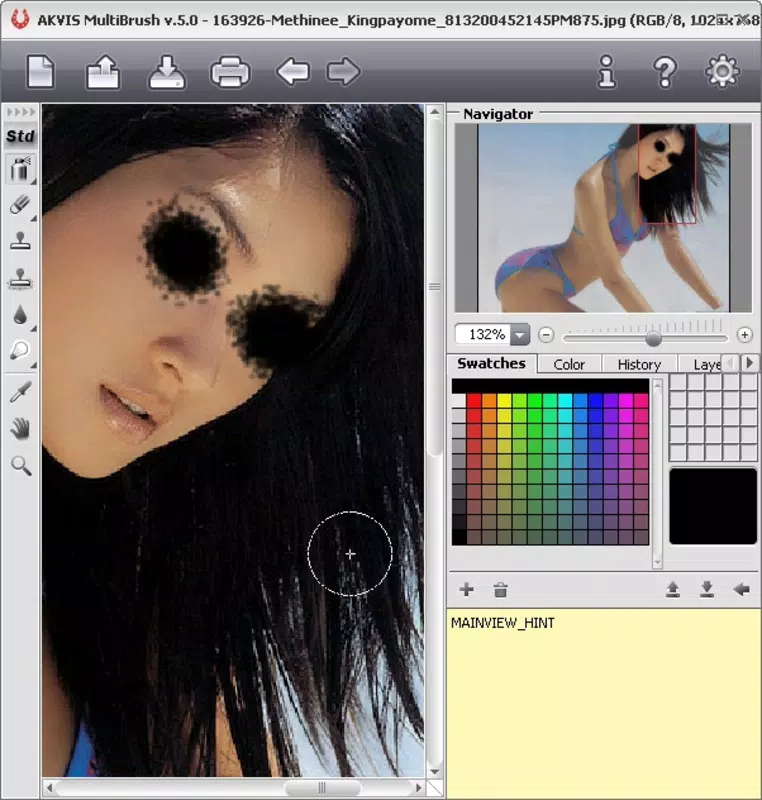
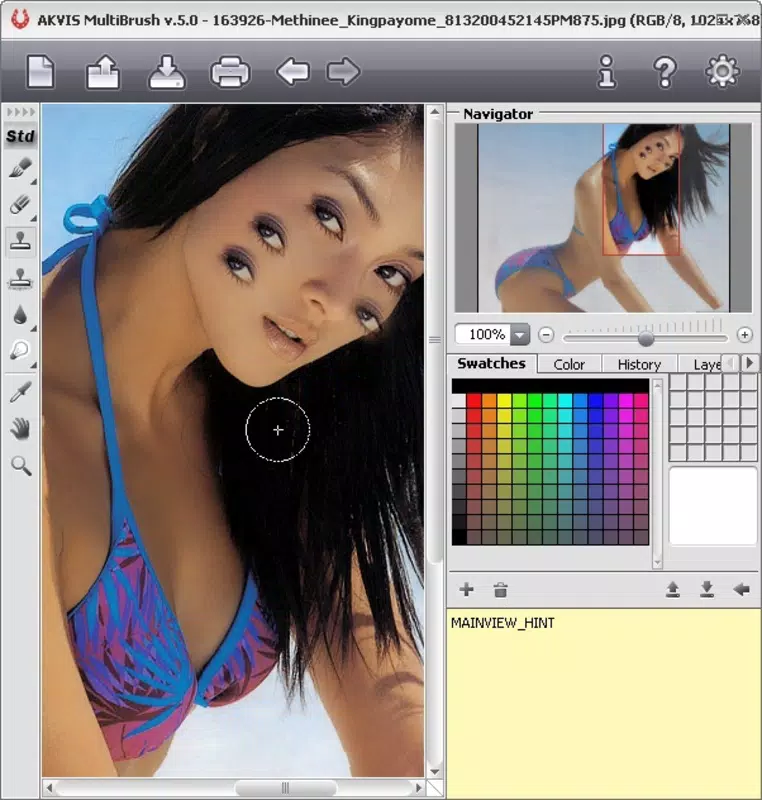
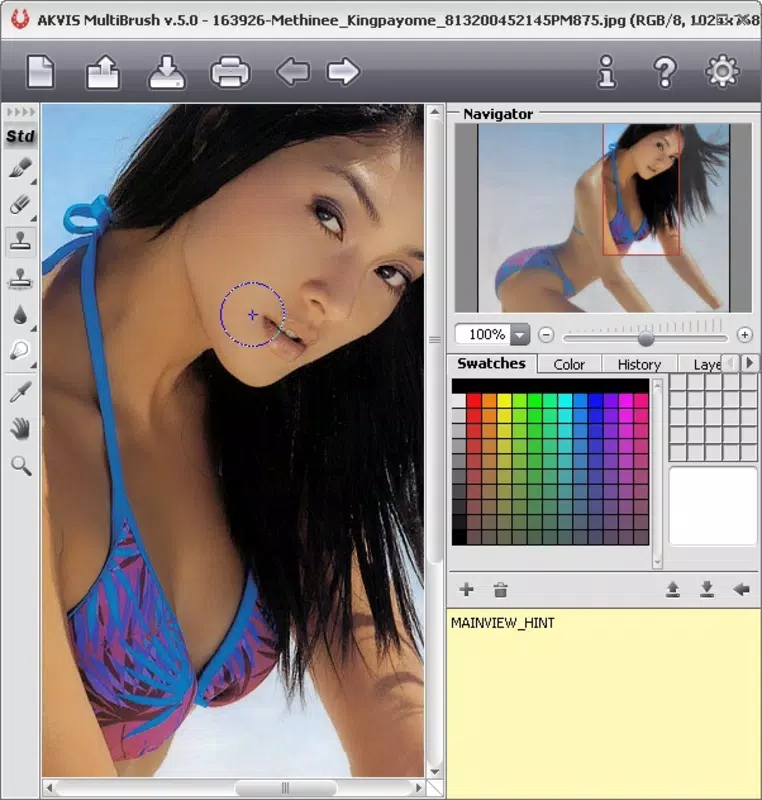
- Dual Toolbar System: The app offers two distinct toolbars—normal and artistic—catering to different editing needs. The normal toolbar includes exposure adjustment, blurring, and cloning tools, ideal for precise retouching. The artistic toolbar features creative tools like pencil, chalk, and eraser, enabling expressive, hand-drawn effects.
- Layer System: A robust layer system allows users to manage edits independently. Each layer can be modified, hidden, or deleted without affecting prior work, providing a non-destructive editing experience and enhancing workflow control.
- Change Tracking: The application records all editing steps, enabling users to revert to previous states. This functionality supports experimentation by allowing safe trial-and-error, particularly useful when refining effects or correcting mistakes.
- User-Friendly Interface: Designed with simplicity in mind, the interface guides users through the editing process with minimal friction. Even those with little experience in photo editing can navigate the tools and achieve noticeable improvements quickly.
- Versatile Brush Options: A wide selection of brushes supports diverse effects—from subtle corrections to bold artistic statements. Users can customize brush size, opacity, and style to match specific editing goals.
For example, a user might use the cloning tool to remove a distracting object from a background, then apply a chalk brush effect to give the image a sketch-like appearance. The layer system ensures that both edits remain editable and reversible. Similarly, a photographer could adjust exposure on one layer while applying a texture effect on another, maintaining full control over the final output.
Interface, UX & Performance
AKVIS Multibrush features a clean, organized interface that prioritizes accessibility. The layout places key tools within easy reach, minimizing navigation depth. Visual cues and iconography are consistent, supporting intuitive understanding across different user skill levels. The app’s design emphasizes functionality without clutter, allowing users to focus on editing rather than interface complexity.
Navigation is straightforward, with tool selection and layer management accessible through clearly labeled panels. The responsiveness of the interface appears to be optimized for touch input, supporting smooth brush strokes and real-time previews. Although the developer did not list formal performance metrics, the app’s stable operation across various device categories suggests reliable performance on mid-to-high-end Android smartphones.
Stability appears to be a strength, with the change tracking feature indicating a well-structured internal architecture. Users can expect consistent behavior during editing sessions, reducing the risk of data loss or crashes. However, specific requirements for device memory, processor speed, or battery usage were not disclosed, so performance may vary based on individual hardware configurations.
Platform Compatibility & Technical Requirements
AKVIS Multibrush is available exclusively on the Android platform. The current version is 1.1.3, with a file size of 40.2 MB, making it a lightweight application suitable for devices with moderate storage capacity. The app was released on April 25, 2014, indicating a long-standing presence in the mobile editing space.
The developer did not specify minimum OS requirements, nor were any hardware specifications provided. This lack of detail suggests that the app may be compatible with a broad range of Android devices, including older models. However, users should verify compatibility with their specific device to ensure smooth installation and operation. For the latest version and secure updates, users are encouraged to download directly from official sources.
Pros and Cons
- Intuitive dual toolbar system for different editing purposes
- Non-destructive editing via a layer system
- Change tracking enables safe experimentation
- Accessible interface for beginners and casual users
- Wide variety of brush tools for creative expression
- Limited information on system requirements and OS compatibility
- Price point of $4.99 may be considered high for a mobile app with basic functionality
- No official mention of cloud sync or export formats beyond standard image types
- App has not seen a major update since 2014, raising questions about ongoing support
- Android-only availability limits cross-platform use
FAQ
Is AKVIS Multibrush free to download?
The app is not free; it is available for purchase at $4.99. There is no indication of a free version or in-app purchases in the provided information.
Can I use AKVIS Multibrush on iOS devices?
Based on the provided data, the app is only available on Android. There is no official iOS version listed.
How does the change tracking feature work?
The app records all editing steps, allowing users to revert to previous states. This enables safe experimentation and correction of unwanted changes.
Are there any known security risks with installing this app?
While no specific security issues were reported, users should download the app from official or trusted sources to ensure a secure installation.
Does the app support exporting to formats other than JPEG or PNG?
The developer did not specify supported export formats. Standard image formats like JPEG and PNG are likely supported, but additional formats were not confirmed.
Final Thoughts
AKVIS Multibrush stands out as a specialized mobile tool for users seeking a balance between creative freedom and editing precision. Its dual toolbar system, layer support, and change tracking make it a capable choice for those who want to enhance photos with artistic flair or perform detailed retouching. While the app’s age and lack of recent updates may raise concerns about long-term support, its core functionality remains relevant for basic to intermediate editing tasks.
It is particularly beneficial for beginners who want to explore photo editing without a steep learning curve, as well as for hobbyists looking for a lightweight, focused tool. The $4.99 price point reflects its niche utility, especially when compared to broader editing suites. For users committed to Android and seeking a simple yet powerful editing experience, AKVIS Multibrush delivers tangible value.
Download AKVIS Multibrush now


